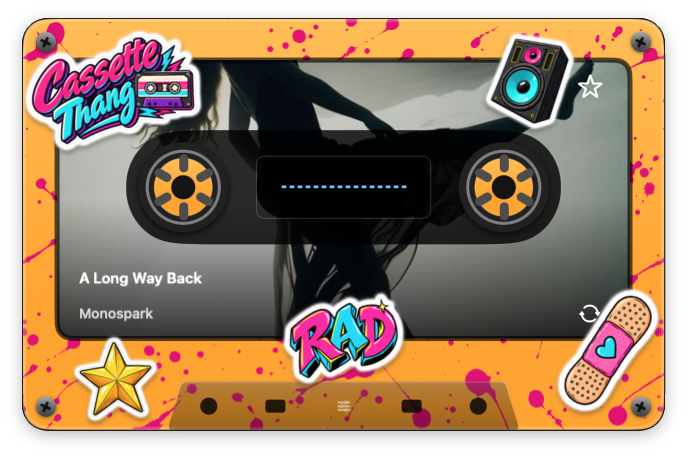
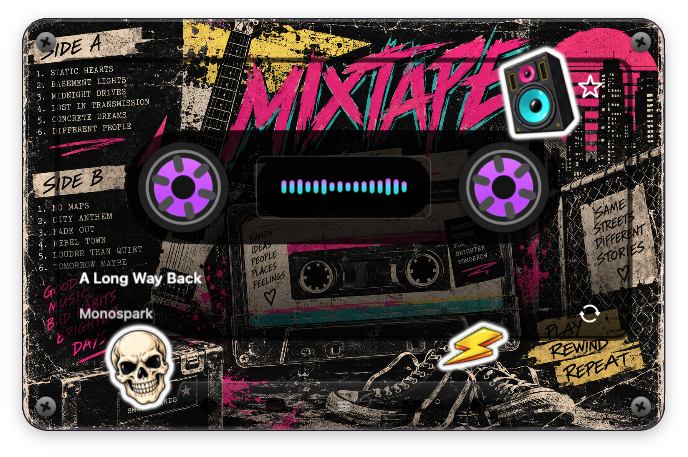
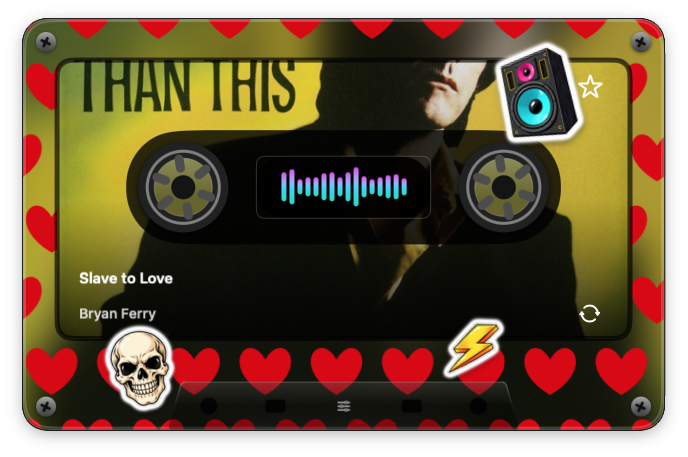
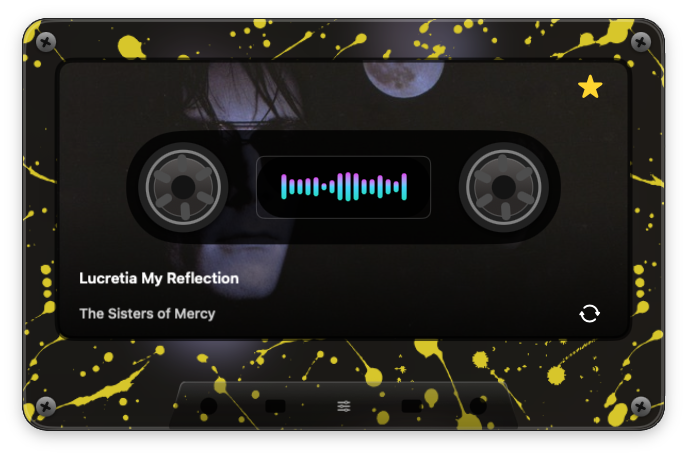
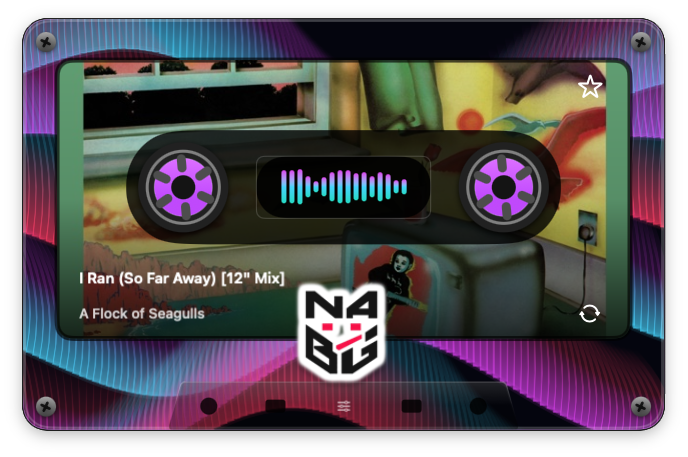
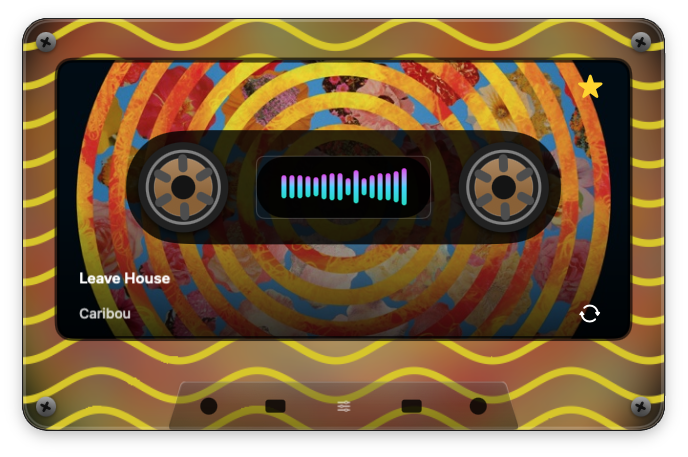
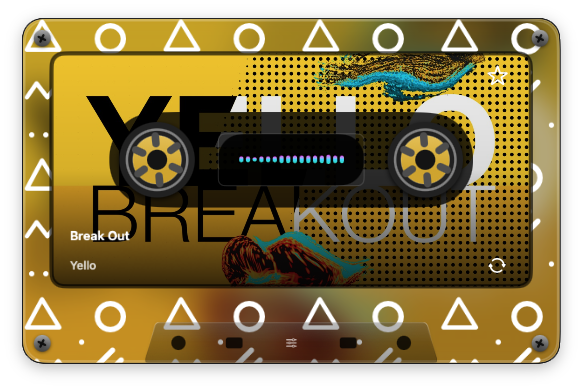
Give the reels a job.
Click the right reel for the next song, the left to go back, and the center window to play or pause.

COMING SOON · A MUSIC APP FOR MAC
A little cassette. A lot of personality. Give Music on your Mac a floating player that looks as good as your next song sounds.
Free player. Optional Creative Unlock. No subscription to Cassette Thang.
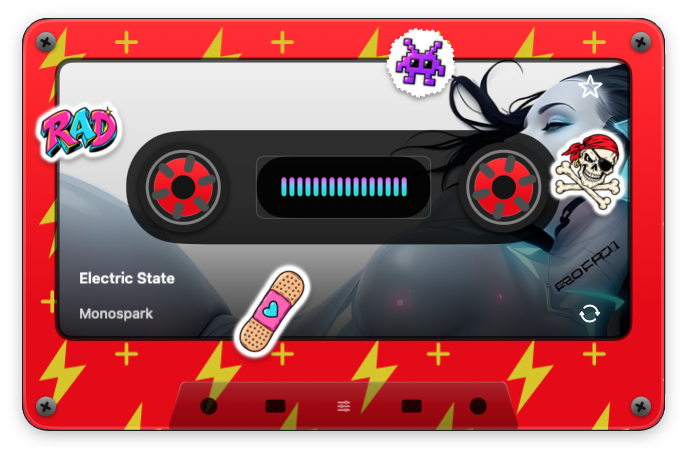
PRESS PLAY
Your songs, album artwork and reactive visuals, together on one very personal cassette. Watch the real app in motion.
App demonstration · Includes optional Creative Unlock features. Use the video controls to play, pause or adjust sound.
THE GOOD STUFF COMES STANDARD
A cassette that floats on your desktop, with proper playback controls and library browsing just a click away.
Click the right reel for the next song, the left to go back, and the center window to play or pause.
Browse songs, artists, albums and playlists. Keep favourites, recents and your queue close by.
Flip the cassette for the album cover and track details. Your current song’s artwork can appear right on the front label, too.
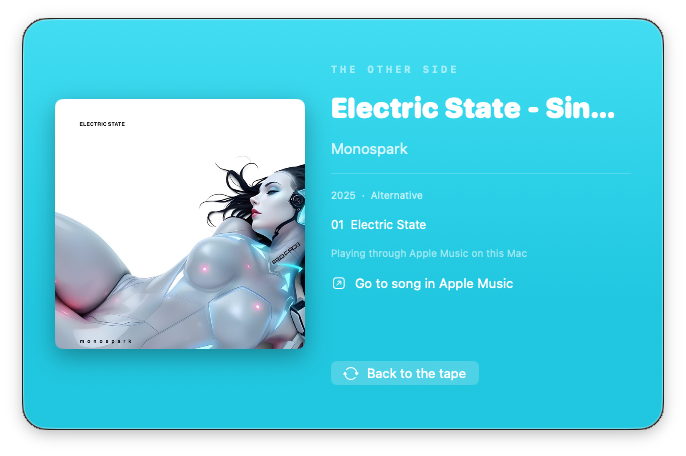
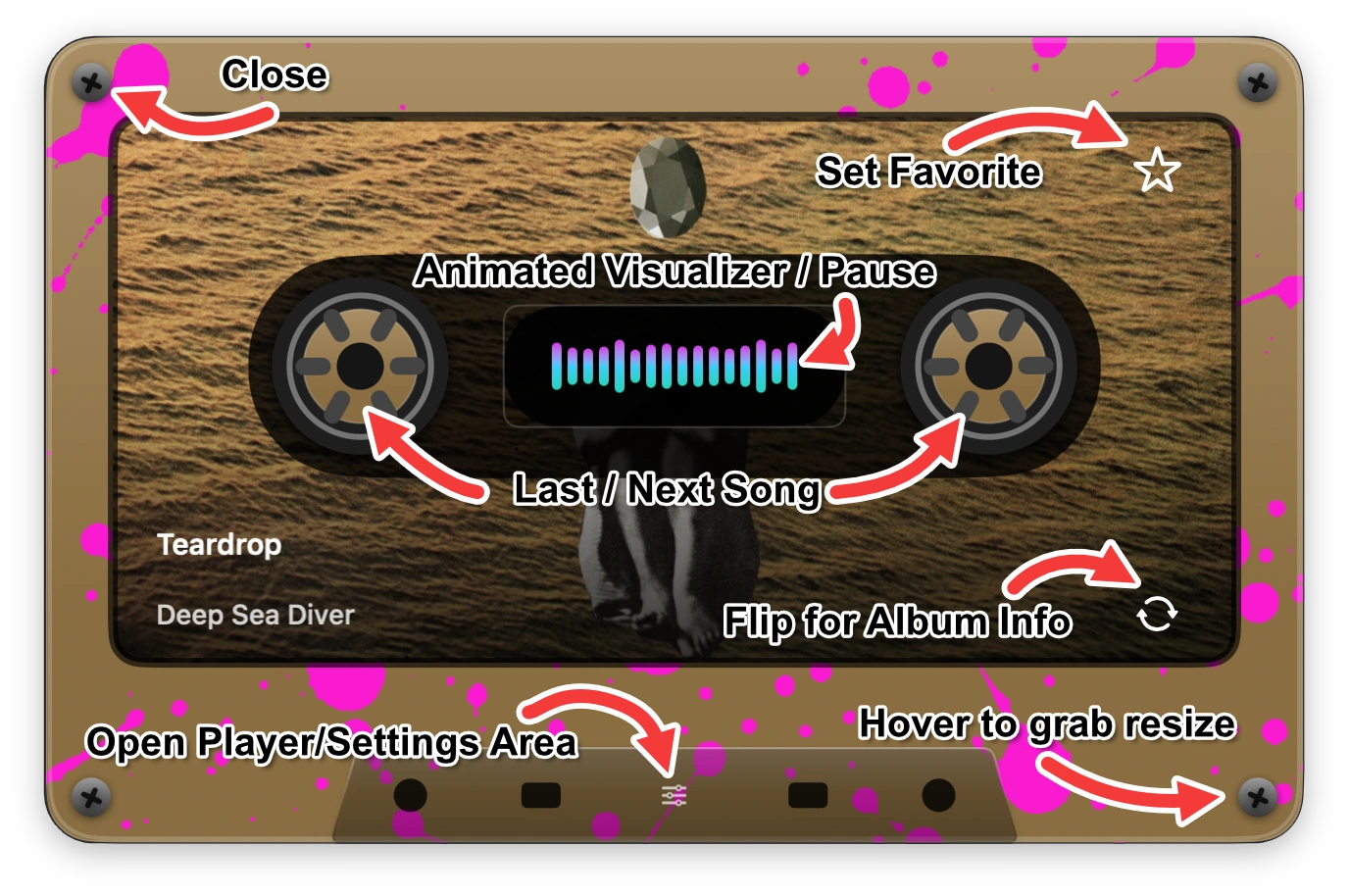
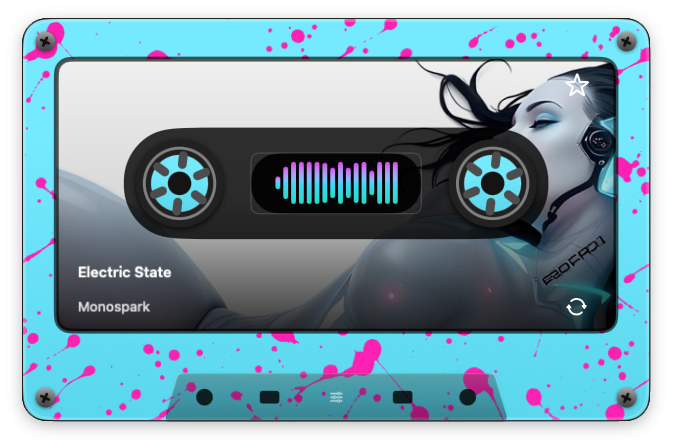
Cyan splatter · Shell colors and static patterns.
MAKE A LITTLE NOISE. VISUALLY.
Keep it clean. Go full splatter. Add a pirate skull. Change shell and pattern colors separately, then dial in the pattern size.
Want more? Creative Unlock adds stickers, artwork finishes, saved looks and visuals that move with the music.
Preview real app screenshots. Some shown finishes require Creative Unlock.
INCLUDED WITH CREATIVE UNLOCK
Create named mixtapes from your library songs, or start with an existing playlist. Arrange the tracks in your own order and save a different cassette design for each mix.
Press play and its saved look comes with it. Your mixtapes live in Cassette Thang; playback still runs through Apple Music.
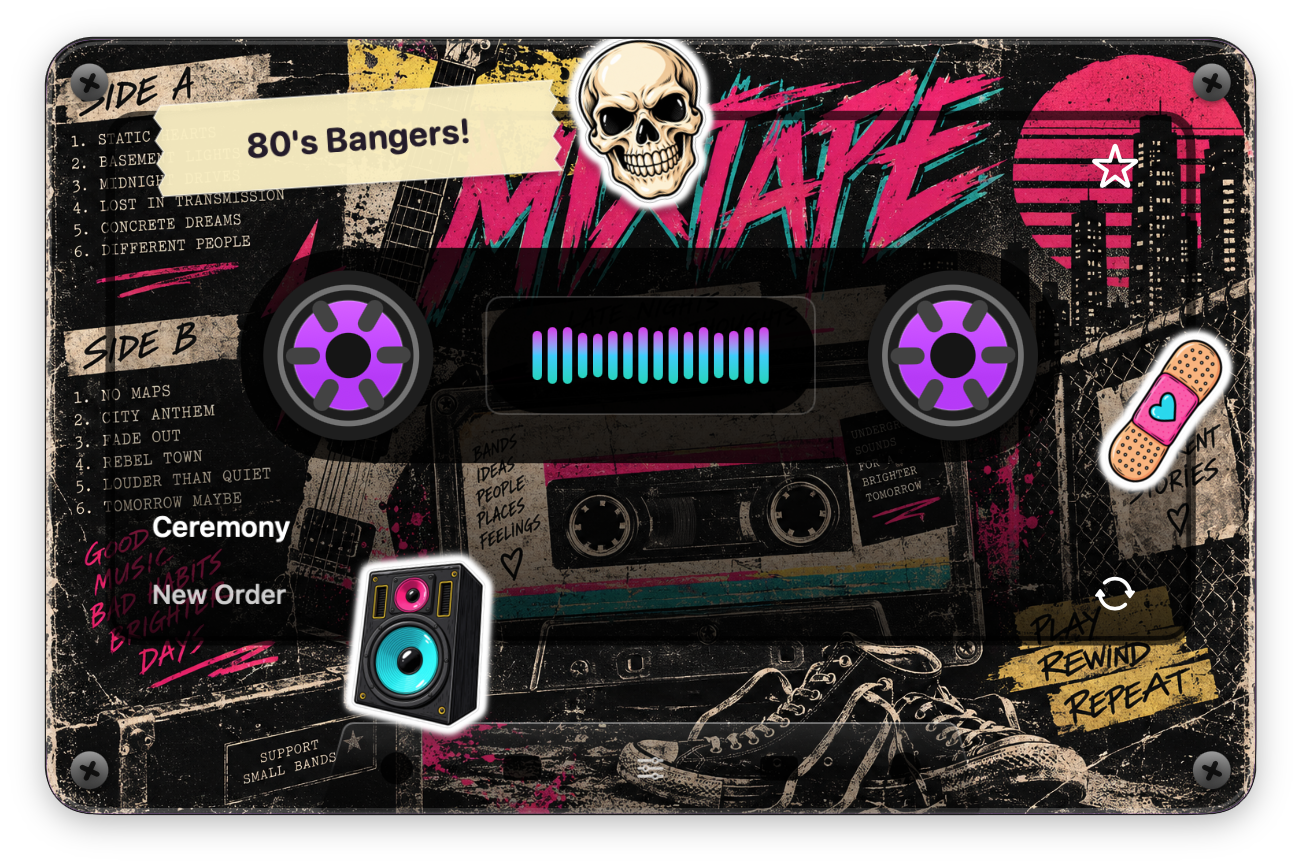
A CLOSER LOOK
Explore the player and the tools behind each look. Select a screenshot to see the controls at full size. Creative Unlock appearances are shown.
 View full size ↗
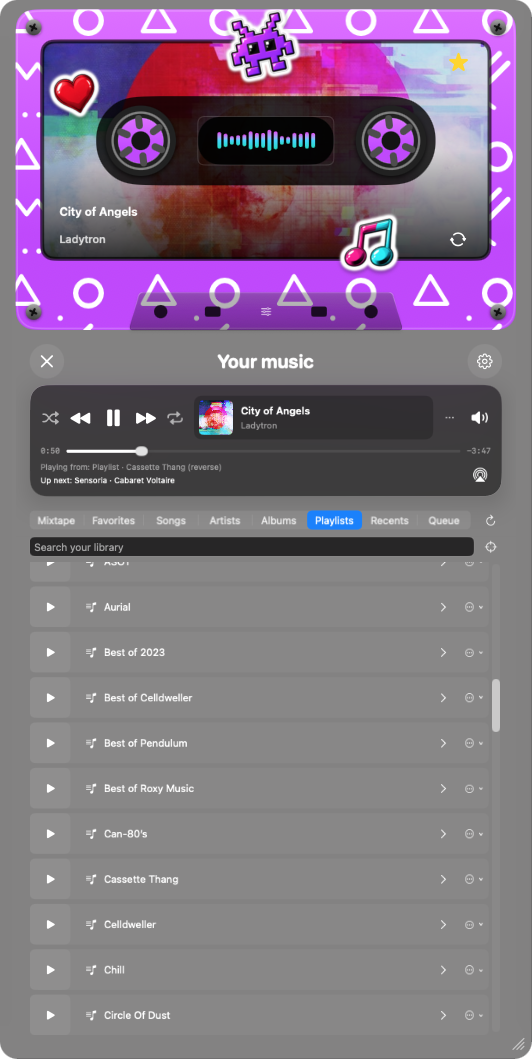
PLAYER INCLUDED FREE
Browse your playlists and start one with its play button. Switch tabs for songs, artists, albums, favourites, recents and your queue.
 View full size ↗
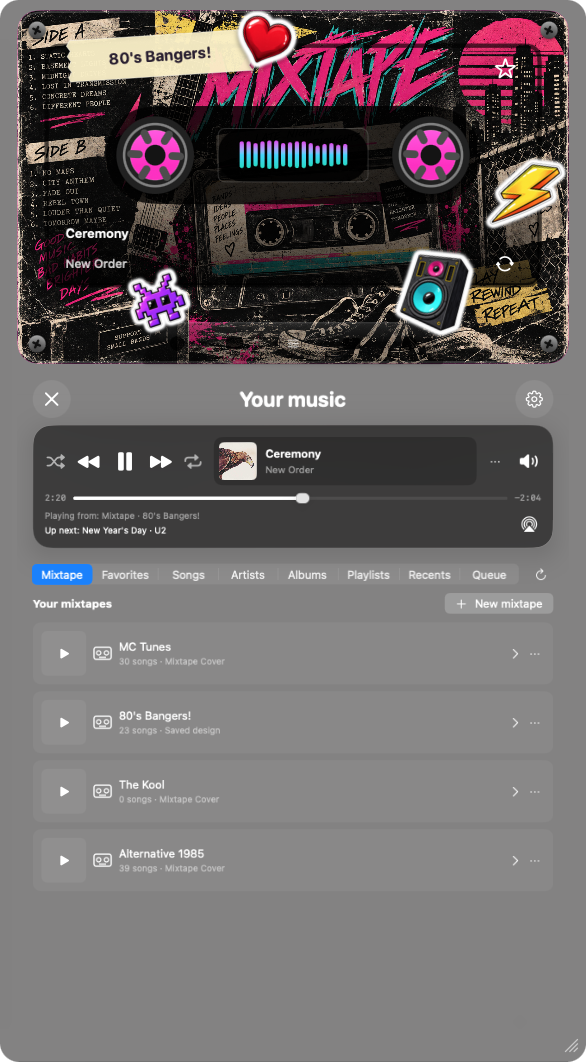
CREATIVE UNLOCK
Open the Mixtape tab to find your saved mixes, start playback or create a new mixtape. Each mix can have its own cassette design.
 View full size ↗
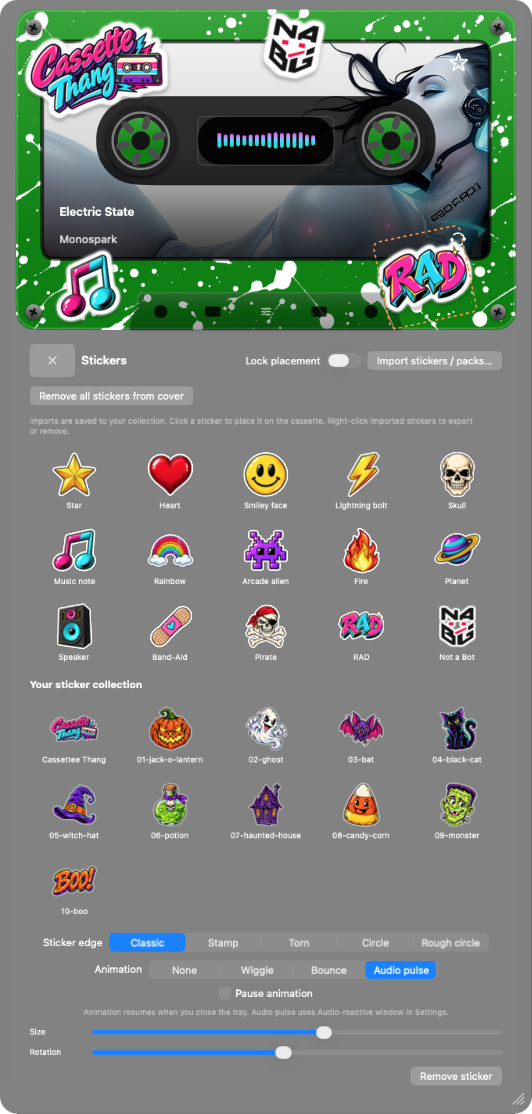
CREATIVE UNLOCK
Choose a sticker or import your own, then arrange it on the tape. Adjust its size, rotation, edge style and animation.
 View full size ↗
STATIC PATTERNS FREE · REACTIVE ZOOM PAID
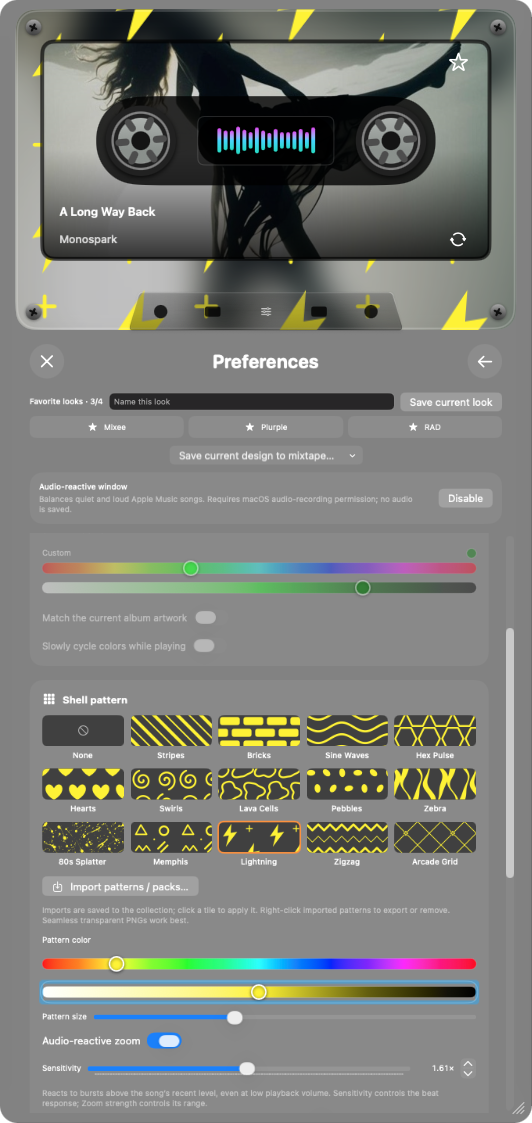
Choose a shell pattern, set its colour and scale, and make it your own. Creative Unlock adds audio-reactive zoom with adjustable sensitivity.
 View full size ↗
CREATIVE UNLOCK
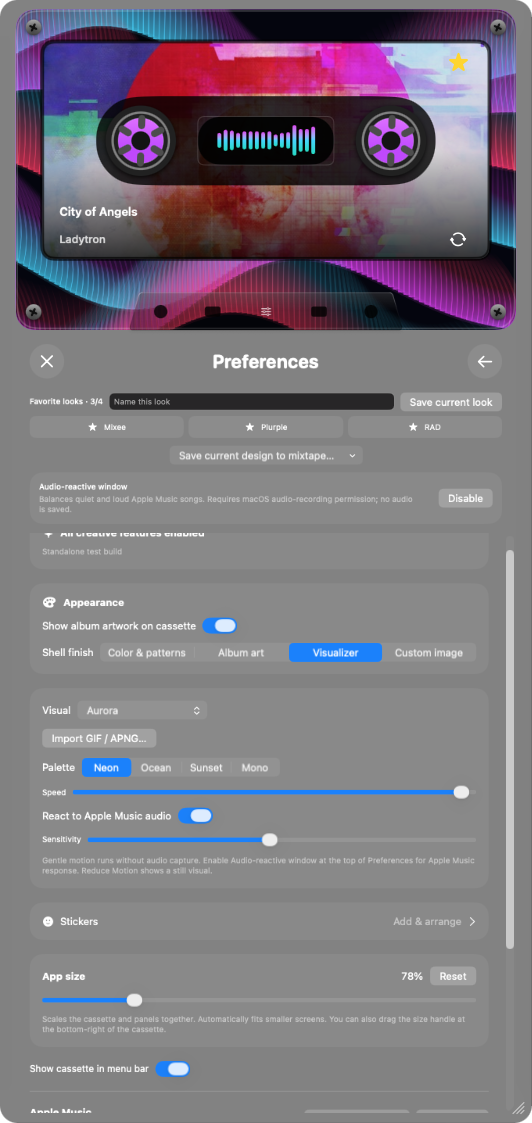
Choose a full-shell visualizer, set its palette and speed, then tune its response to the music. You can also import a GIF or APNG.
 View full size ↗
CREATIVE UNLOCK
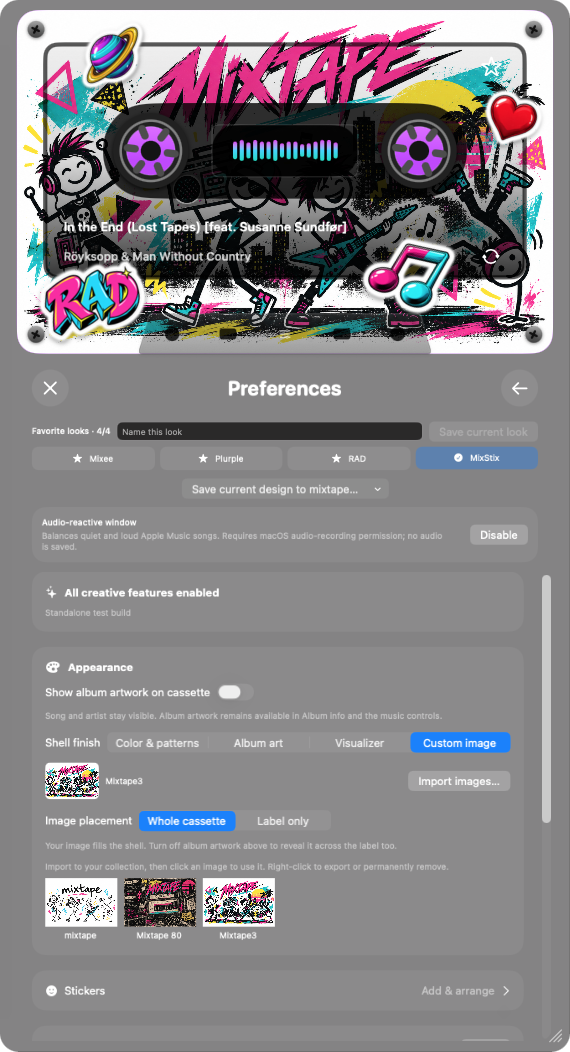
Import images into your collection and display them across the whole cassette or just its label. Save favourite looks to return to them later.
TWO FREE DOWNLOADS · ONE SPOOKY SEASON
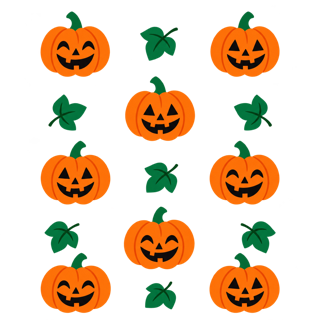
Give your cassette a little October attitude. Download the packs now and import them from Cassette Thang’s Preferences when you’re ready.

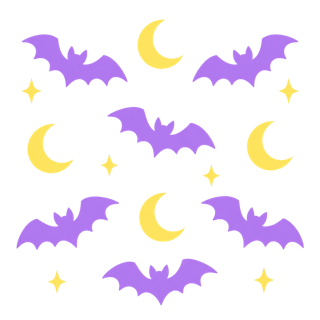

01 / SHELL PATTERNS
Four repeating looks: Pumpkin Groove, Ghost Dance, Midnight Bats, and Candy Corn Confetti.
Works with the free player.




02 / CASSETTE STICKERS
Ten stickers, including a jack-o’-lantern, ghost, bat, black cat, potion, haunted house, and more.
Using stickers in the app requires Creative Unlock.
To add a pack, open Preferences in Cassette Thang and choose Import patterns / packs… or Import stickers / packs…. Keep the ZIP intact when importing.
FREE TO PLAY. ROOM TO GET CREATIVE.
Everyday playback is free. Add personal mixtapes and extra creativity with Creative Unlock.
THE EVERYDAY MIX
A proper player. Already your own.
THE EXTENDED MIX
ONE TIMEOne purchase. More ways to make it yours.
Planned launch pricing in Canadian dollars. Local App Store pricing and applicable taxes may vary. Creative Unlock is a non-consumable in-app purchase, with Restore Purchases in Preferences.
A FEW THINGS TO KNOW
Cassette Thang controls the Music app on your Mac. Playback happens through Music, using your playable library or Apple Music catalog access. An Apple Music subscription is needed for subscription-only music; it isn’t included with Cassette Thang.
Optional macOS audio-recording permission lets the visualizers react to Music’s audio. Cassette Thang processes that audio locally without saving or uploading it. Ordinary playback controls and static looks don’t need audio capture.
Cassette Thang runs on macOS 14 or later (including macOS 27!), with builds for Apple silicon and Intel Macs.
The Mac App Store release is being prepared. There is no public app download yet. The free Halloween packs are available here now; this page will be updated with the store link when Cassette Thang is available.
COMING SOON TO THE MAC APP STORE
Cassette Thang. Made by Not a Bot Games.
Say hello